Occasionally Chromeboxes might lose their internet. This guide will walk through getting the Internet setup again.
TABLE OF CONTENTS
Issue Description
When a Chromebox is not working properly, likely it is because of its internet, in this guide we'll go over getting the internet restored on the Chromebox.
Basic Troubleshooting Steps
Please following the steps below for getting the Chromebox fixed back up.
Checklist:
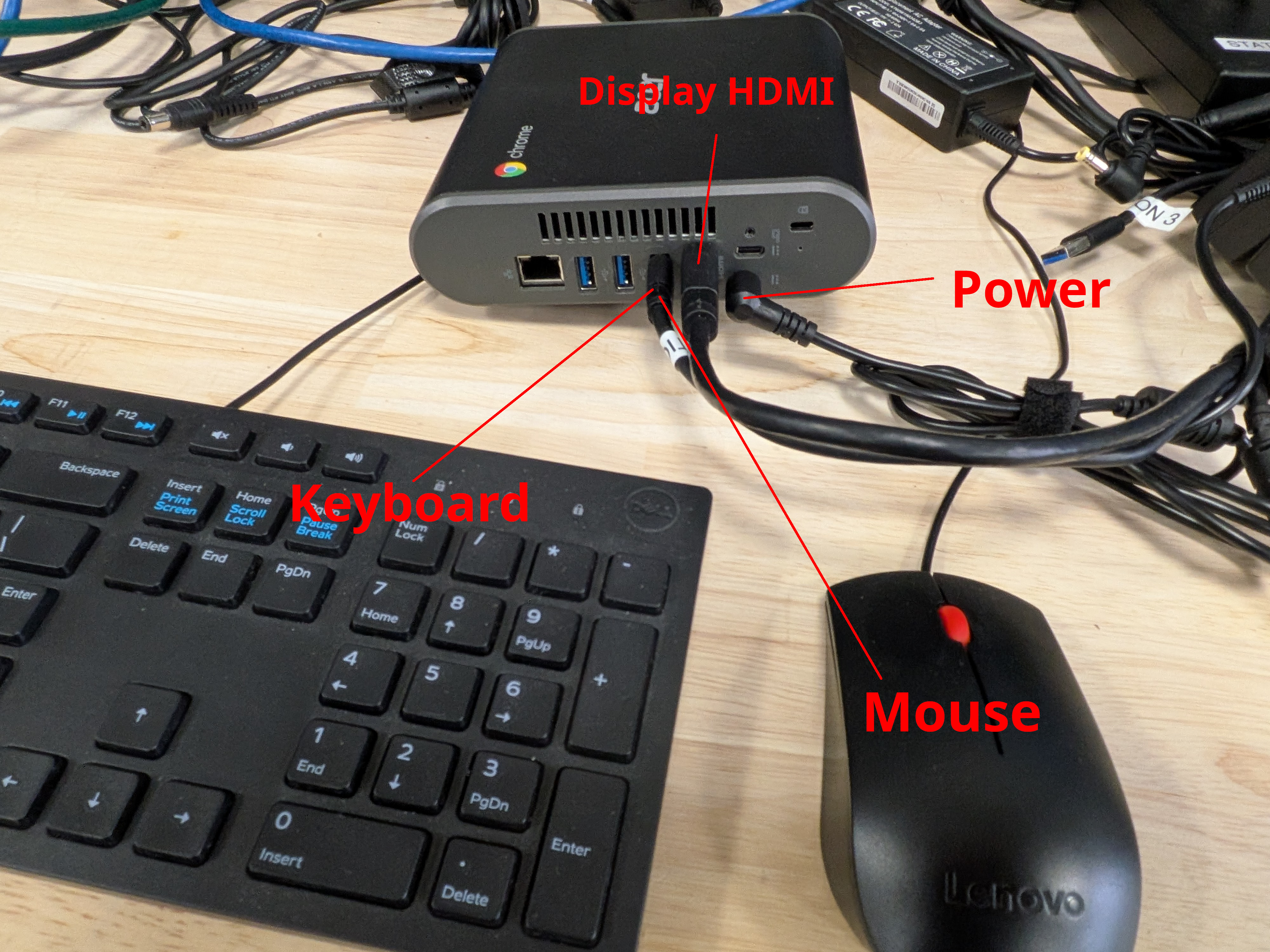
- Get to the Chromebox and plug in a mouse, keyboard, and monitor/TV
- Reboot the Chromebox
- After the ChromeOS logo and before the Internet screen, press ctrl+alt+s, you should get a Wifi network's menu
- Connect to your store's wifi network with the wifi password
- Reboot the Chromebox and it should just work when it gets started again.
Visual Resources
Video Tutorial
Was this article helpful?
That’s Great!
Thank you for your feedback
Sorry! We couldn't be helpful
Thank you for your feedback
Feedback sent
We appreciate your effort and will try to fix the article